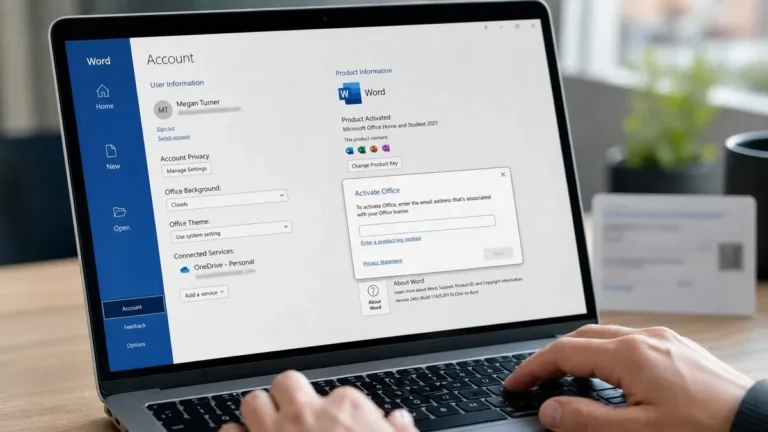
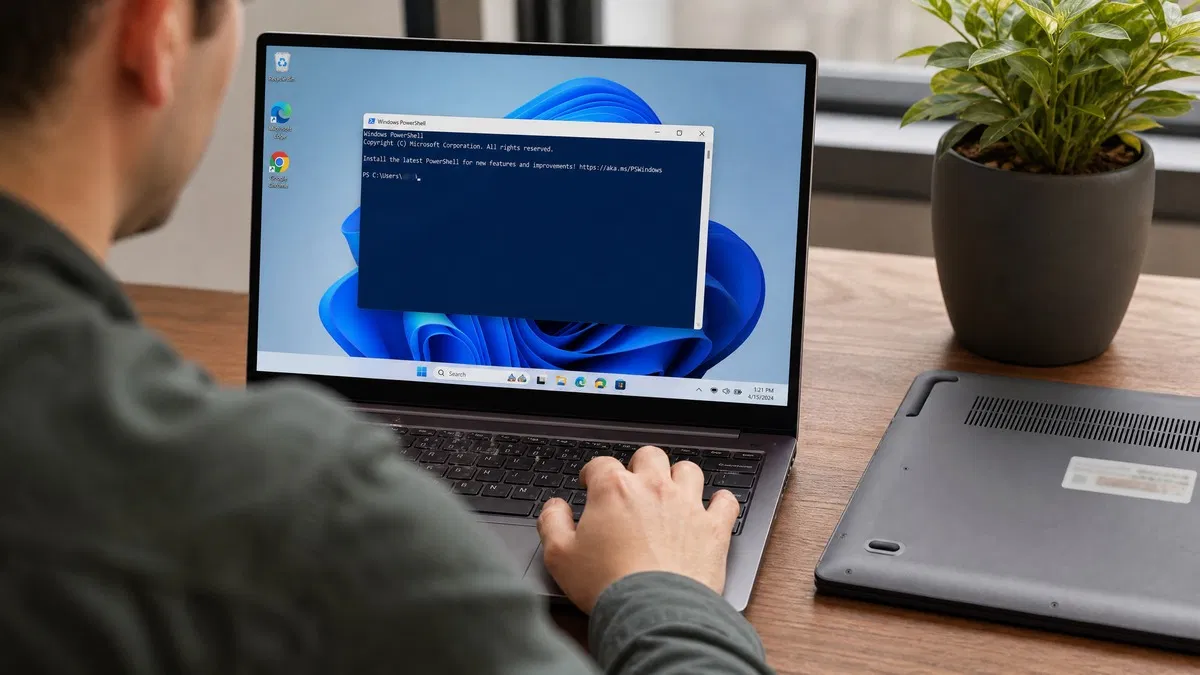
How to find Windows key details depends on where the license came from. On a laptop or prebuilt desktop the key is stored in the firmware and one PowerShell command reads it. On most other PCs there is no visible key at all because Windows uses a digital license linked to the hardware or to your Microsoft account. This guide covers how to find Windows product key details with Microsoft’s own tools only, and what to do when there is no key to find. The steps are the same if you are wondering how to find my Windows 10 product key or a Windows 11 one.
First, check how your copy of Windows is activated
Before hunting for a key, look at what Windows itself says. On Windows 11 open Settings > System > Activation. On Windows 10 it is Settings > Update & Security > Activation. The activation line tells you which situation you are in:
- Windows is activated with a digital license. No key is stored for you to copy. The license is tied to your motherboard on Microsoft’s activation servers.
- Windows is activated with a digital license linked to your Microsoft account. Same as above, but the license is also attached to the account you signed in with, which makes reactivation after a hardware change much easier.
- Windows is activated using your organization’s activation service. This is a volume license (KMS). The key belongs to your employer or school and is not yours to look up.
- Windows is not activated, with an error such as 0xC004F213 or 0xC004C003. Keep reading, because the firmware key or your purchase record may solve this.
If the page shows a digital license, you can stop looking for a 25-character key. Reinstalling the same edition on the same PC will activate on its own. We explain the difference in what a Windows product key actually is, and Microsoft’s own summary is on its Find your Windows product key page.
How do I find my Windows product key with PowerShell?
PCs that shipped with Windows 8 or newer from a manufacturer have the OEM key written into the UEFI firmware instead of on a sticker. Windows reads it automatically during setup, and you can read it too.
- Right-click the Start button and choose Terminal (Admin) on Windows 11, or Windows PowerShell (Admin) on Windows 10. Approve the User Account Control prompt.
- Paste this line and press Enter:
(Get-CimInstance -ClassName SoftwareLicensingService).OA3xOriginalProductKey - If a key is stored in firmware, it appears as five groups of five characters, for example
XXXXX-XXXXX-XXXXX-XXXXX-XXXXX. Copy it somewhere safe. - If the output is blank, there is no OEM key on this machine. That is not an error; it just means your license came from somewhere else.
The older Command Prompt version of the same query is wmic path softwarelicensingservice get OA3xOriginalProductKey. It still works on Windows 10, but Microsoft has deprecated WMIC and it is not installed by default on Windows 11 24H2 and later, so PowerShell is the safer habit. Microsoft documents the deprecation on learn.microsoft.com.
Check Windows product key details and license type with slmgr
The firmware key is the key the PC shipped with, which is not always the key Windows is using right now (for example after a Home to Pro upgrade). If you want to find Windows activation key status rather than the key itself, open an admin Command Prompt or Terminal and run:
slmgr /dlishows the edition, the license channel and the last five characters of the current key.slmgr /dlvshows the same plus the activation ID, the remaining rearm count and the exact license status.slmgr /xprtells you whether activation is permanent or has an expiry date.
The channel is the useful part. RETAIL means a boxed or downloaded key you can move to another PC. OEM_DM means the firmware key described above. VOLUME_KMSCLIENT means a corporate KMS client. Microsoft lists every switch on its slmgr.vbs options page. Windows never shows the full key through slmgr, so this is a check rather than a recovery method.
Where is my Windows product key if I bought it online?
If you bought Windows as a download, the key is in your purchase records rather than on the PC:
- Microsoft Store purchase. Sign in at account.microsoft.com, open Order history, and select the Windows order. The key is on the order details page, or the license is linked directly to your account.
- Independent reseller. Search your inbox for the order confirmation. When you buy a Windows 11 Pro license key from us, the key arrives by email, and it stays in your account on our store.
- Retail box. The key is printed on a card inside the box, sometimes behind a scratch-off panel.
Where to look for a sticker on older PCs
Machines sold with Windows 7 or Vista carry a Certificate of Authenticity sticker, usually on the underside of a laptop or the side of a desktop case. These stickers fade, so read them under good light. If that PC was later upgraded to Windows 10 for free, the sticker key is no longer the key in use; the upgrade converted it to a digital license, and the same license activates Windows 11 on that hardware.
Which method fits your situation?
| Where Windows came from | What to check | Shows the full key? |
|---|---|---|
| Laptop or prebuilt PC (Windows 8 or newer) | PowerShell OA3xOriginalProductKey command | Yes |
| Laptop or prebuilt PC (Windows 7 and earlier) | Certificate of Authenticity sticker | Yes |
| Downloaded from Microsoft Store | Order history in your Microsoft account | Yes, or linked to the account |
| Bought from a reseller | Order confirmation email or your account on the store | Yes |
| Free upgrade from 7 or 8.1 | Settings > Activation | No, digital license only |
| Work or school PC | slmgr /dli shows VOLUME channel | No, key belongs to the organization |
What to do when there is no key and Windows is not activated
Sometimes every method comes up empty: no firmware key, no sticker, and Settings shows Windows is not activated. Common causes are a replaced motherboard, a PC built from parts, or a used machine whose seller kept the license.
- Run the Activation troubleshooter at Settings > System > Activation > Troubleshoot. If a digital license was linked to your Microsoft account, choose I changed hardware on this device recently and pick the PC from the list.
- Make sure the installed edition matches the license you own. A Home license will not activate Windows 11 Pro.
- If neither helps, you need a new license. Buy a Windows 11 Pro key or a Windows 10 Pro key that matches your edition, then enter it under Activation > Change product key. Our step-by-step guide to activating Windows 11 covers the exact screens.
Our take: Check Settings first, then run the PowerShell command. Those two steps resolve most lost-key searches in under a minute. Skip third-party key finder tools; they usually report a generic placeholder key on digital-license installs, and everything they can read is already available through Windows itself. Once you have the key, store it in a password manager and sign in with a Microsoft account so the license is linked to it. If Windows is genuinely unlicensed, a matching key from our operating systems range costs a few dollars and activates in one step.
Frequently asked questions
Why does the PowerShell command return a blank line instead of a key?
A blank result means there is no OEM key stored in your PC’s firmware. That is normal on a self-built desktop, on any machine where Windows was bought separately, and on PCs that were upgraded to Windows 10 or 11 from an older version. In those cases the license is a digital license tied to the hardware, and there is no 25-character key to display. Check Settings and look at the activation line; if it says digital license, you can reinstall and reactivate without a key.
Can I find the full product key with slmgr /dli?
No. The slmgr /dli command shows only the last five characters of the installed key along with the license channel (Retail, OEM_DM or Volume) and the current license status. It is useful for checking what type of license you have and whether Windows is activated, but Microsoft does not expose the full key through slmgr. For the full key you need the firmware command, your purchase email, the retail card, or a sticker on older machines.
Do I need the key to reinstall Windows 10 or 11?
Usually not. If your PC was activated before, Windows created a digital license for that hardware on Microsoft’s servers. During a clean install you can click I don’t have a product key, choose the same edition you had, and Windows activates on its own once it connects to the internet. If you sign in with the Microsoft account that was linked to the license, the Activation troubleshooter can also re-link the license after a hardware change such as a new motherboard.
Is it safe to use a third-party key finder tool?
We do not recommend it. Many of these tools display the generic default key that Windows writes to the registry on digital-license installs, so the key they show will not activate anything, and some are bundled with adware. Everything a key finder can legitimately read is available through Settings, PowerShell or Command Prompt, and your Microsoft account. If none of those produce a key and Windows is not activated, a genuine replacement key is the reliable fix.
Lost your key for good? Replace it in minutes
A genuine Windows 11 Pro license key delivered by email, with a 180-day guarantee and plain-English activation instructions.