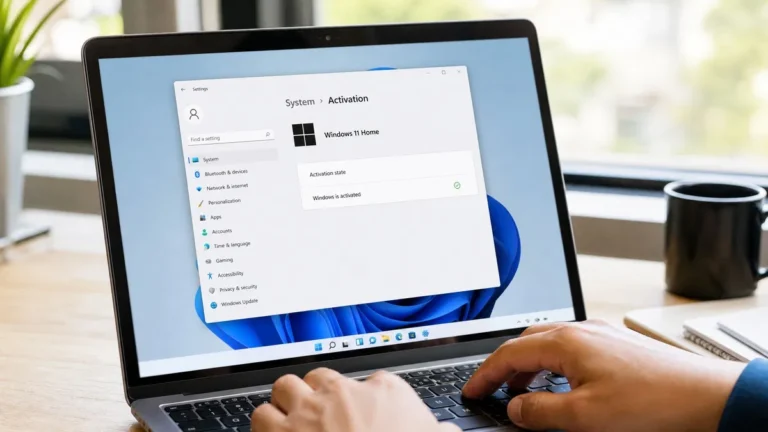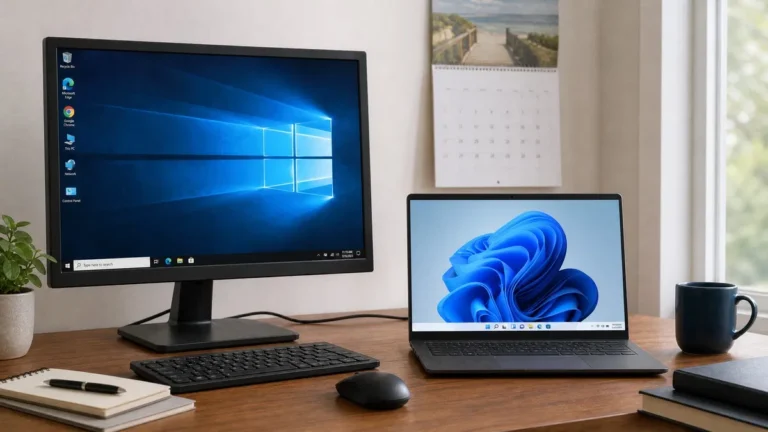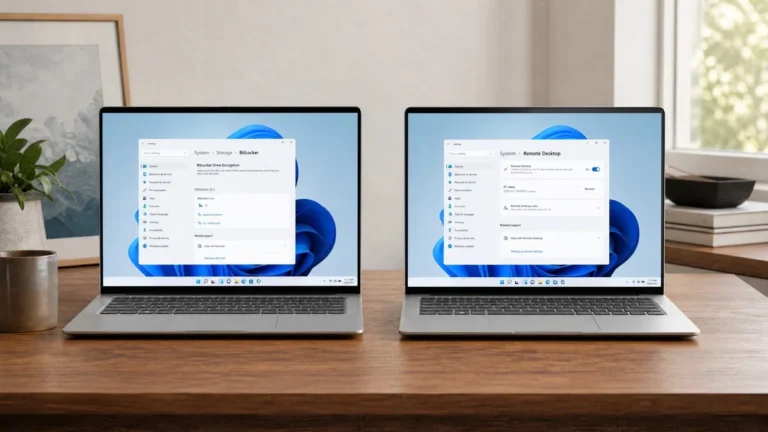
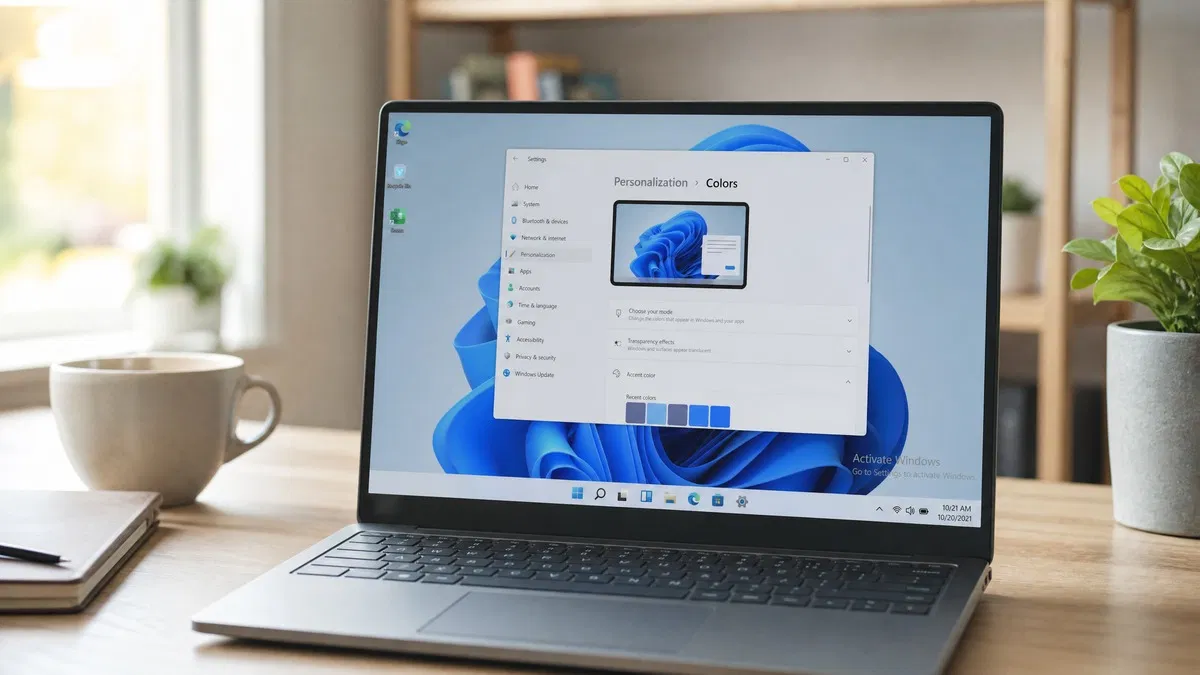
What happens if you don’t activate Windows? Windows 10 and 11 keep working, but with an “Activate Windows” watermark fixed to the bottom right corner of every screen, personalization settings greyed out so you cannot change the wallpaper, theme, colors or lock screen through Settings, and a recurring reminder to activate. Security updates still arrive, nothing expires and no shutdown timer exists. You are, however, running software you are not licensed to use.
Can you use Windows without activation?
Yes, in the technical sense. Since Windows 10 launched in 2015, Microsoft has allowed anyone to download the installation media for free, install it, and click “I don’t have a product key” when setup asks for one. Windows installs normally, boots normally and runs every program normally. There is no trial period and no cutoff date. The approach is deliberate: Microsoft would rather have you on a current version of Windows with nagging than on an old one without updates.
What you cannot do is call the install licensed. The Microsoft Software License Terms, which you accept during setup, say you may use the software only if you have a valid license and that activation ties the license to the device. An unactivated PC is a PC that has not met that condition. For a home user this is a contract matter rather than a crime, but it is not a grey area.
What are the limitations of unactivated Windows?
The unactivated Windows limitations are the same on Windows 10 and Windows 11 and have not changed meaningfully since 2015. Here is the full picture.
| Feature | Unactivated Windows 10 or 11 | Activated |
|---|---|---|
| Desktop watermark “Activate Windows” | Always visible, bottom right, over full screen apps too | None |
| Settings, Personalization pages | Background, Colors, Themes, Lock screen, Start and Taskbar options greyed out | All available |
| Activation reminders | Banner in Settings, periodic notification, a nag on the Activation page | None |
| Windows Update security patches | Delivered | Delivered |
| Feature updates (24H2, 25H2) | Delivered | Delivered |
| Microsoft Store, Office, games, drivers | Work normally | Work normally |
| Performance, boot time, battery life | Identical | Identical |
| Time limit or forced shutdown | None | None |
| Microsoft support entitlement | None | Included with a genuine license |
| License compliance | In breach of the license terms | Compliant |
Two things people expect to be locked are not. Windows Defender runs at full strength, and the Microsoft Store installs apps as usual. Two things people expect to keep working are lost: dark mode cannot be turned on through Settings, and the taskbar cannot be moved or recolored.
The “Activate Windows” watermark
The activate Windows watermark is the change everyone notices first. It reads “Activate Windows. Go to Settings to activate Windows.” in two lines of light grey text in the lower right corner, above the clock. It appears a few hours after setup, once Windows has tried and failed to activate in the background. It shows on top of every window, including full screen video and games, and it is captured in screenshots and screen recordings, which is why so many streamers and remote workers finally buy a key.
Registry tricks and scripts that hide the watermark circulate widely. Some cause the desktop to stop refreshing, some are malware, and all of them leave the license state exactly where it was. The only way to clear the watermark permanently is to activate Windows.
Personalization settings greyed out: what you actually lose
Open Settings, Personalization on an unactivated PC and you will see a banner at the top reading “You need to activate Windows before you can personalize your PC”, with most options below it dimmed. Specifically, you cannot:
- Change the desktop background through Settings, including slideshow and Windows Spotlight options.
- Switch between light and dark mode or pick an accent color.
- Apply, download or edit themes from the Microsoft Store.
- Change the lock screen picture or choose which apps show status on it.
- Adjust Start layout options such as showing recently added apps.
- Change taskbar alignment, behaviors and which icons appear in the corner.
Some of these have workarounds, such as right clicking an image and choosing Set as desktop background, and a few Personalization settings can still be reached through the older Control Panel. Most cannot. If you care about how the PC looks, this is the limitation that bites.
Do you still get updates without activating Windows?
Yes. Windows Update delivers monthly security patches and yearly feature updates to unactivated Windows 11 installs. Microsoft treats an up to date unlicensed PC as better for everyone than an out of date one, and the update servers do not check activation status. The same was true for Windows 10 while it was supported.
That last part matters. Windows 10 support ended on October 14, 2025, so an unactivated Windows 10 PC no longer receives security updates for a reason that has nothing to do with activation. The Extended Security Updates program that keeps Windows 10 patched for a further period is offered to activated copies of Windows 10 22H2, so an unlicensed Windows 10 machine is now out of options. Microsoft’s own Activate Windows support page describes activation as the step that confirms your copy is genuine, and its Windows 10 end of support page covers the ESU rules.
Windows 11 activation: how to fix an unactivated PC
Fixing it takes a key and about two minutes. If the PC was once activated, for example after a Windows 10 upgrade or on a machine that shipped with Windows, try the troubleshooter first, because a digital license may already exist.
- Open Settings, System, Activation.
- If a Troubleshoot link appears, click it. Windows checks for an existing digital license and, if you sign in with the Microsoft account that held it, offers “I changed hardware on this device recently”.
- If there is no license, expand Change product key, click Change, enter a 25 character key for the edition you have installed, and click Next, then Activate.
- Confirm the page now reads “Windows is activated with a digital license”. The watermark disappears within a minute and Personalization opens up without a restart.
Our full walkthrough, including phone activation for offline PCs and every common error code, is in our post on how to activate Windows 11. The Windows 11 Pro download and activation guide covers a clean install from scratch.
Our take: the watermark is a permanent reminder that you are running software you have not paid for, and the fix costs less than a takeout dinner. A genuine retail key for Windows 11 Home is $10.99 at OfficeGSM, Windows 11 Pro is $10.99, and for an older PC that cannot move to Windows 11, Windows 10 Home is $9.50. If low prices make you nervous, we explain exactly why resellers can undercut Microsoft’s store in our post on whether cheap Windows keys are legit. Every edition we sell is on the Windows category page.
Frequently asked questions
How long can you use Windows without activating it?
There is no built in time limit. Windows 10 and Windows 11 keep running indefinitely without activation. The old 30 day grace period and the forced hourly shutdowns from the Windows XP and Vista era are gone. What you get instead is a permanent nag: the watermark, the Settings banner, locked personalization options and a periodic notification. Microsoft’s license terms still require a valid license to use the software, so running unactivated for years is tolerated technically but not permitted by the agreement you accepted at setup.
Is it illegal to use unactivated Windows?
It breaks the Microsoft Software License Terms, which state that you need a valid license and that activation ties that license to your device. It is a contract issue rather than a criminal one for an individual user, and Microsoft has never pursued home users for running the watermark. Businesses are a different story, since software audits and compliance rules apply. Either way, buying a genuine key is cheap enough that the question rarely needs a lawyer.
Can I change the wallpaper on unactivated Windows?
Not through Settings, where the Background page is greyed out with the message that you need to activate Windows first. There is a common workaround: right click any image in File Explorer or in the Photos app and choose Set as desktop background. That works on unactivated installs. Themes, accent colors, lock screen images, taskbar options and Start layout have no such workaround and stay locked until Windows is activated.
Will unactivated Windows 10 or 11 slow down or stop working?
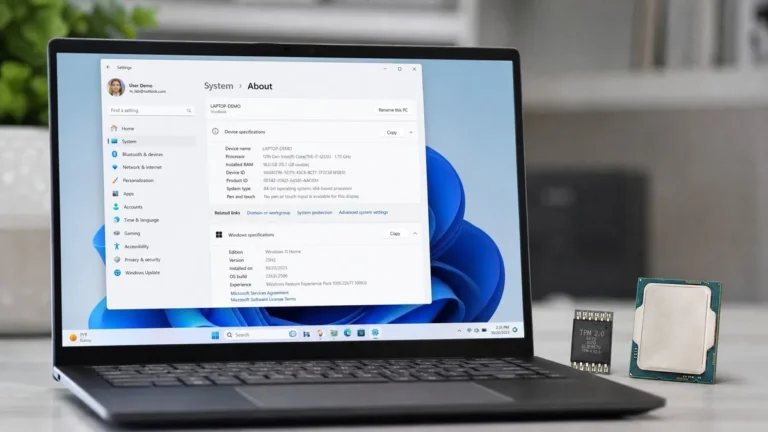
No. Performance is identical, nothing expires, and no feature switches off later on. Unactivated Windows does not throttle the CPU, refuse to install programs or block games. People sometimes blame the missing activation for slowness, but the cause is always something else. The limits are cosmetic and administrative: the watermark, the greyed out personalization pages and the reminders. The exception is unsupported hardware, where a separate “System requirements not met” watermark appears and Microsoft does not guarantee updates.
What is the cheapest legitimate way to activate Windows?
A genuine retail key from a reputable reseller. Microsoft’s own store lists Windows 11 Home at 139.99 USD and Pro at 199.99 USD, but the same editions are legally sold for far less through resellers who buy in volume. Look for a seller that names the license type, ships the key by email with an invoice, offers support if activation fails and has a real returns policy. Avoid anything under a couple of dollars, keys sold as “one time use only” without explanation, and any tool that promises activation without a key.
Lose the watermark today
A genuine retail Windows 11 Home key, emailed within minutes, activates in Settings and turns every personalization option back on.