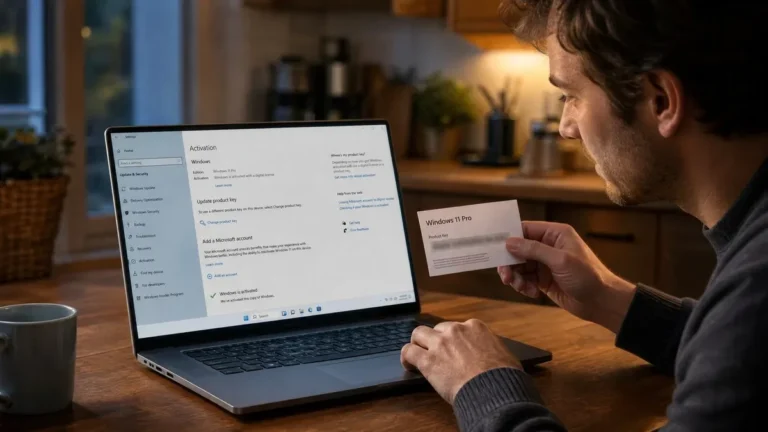
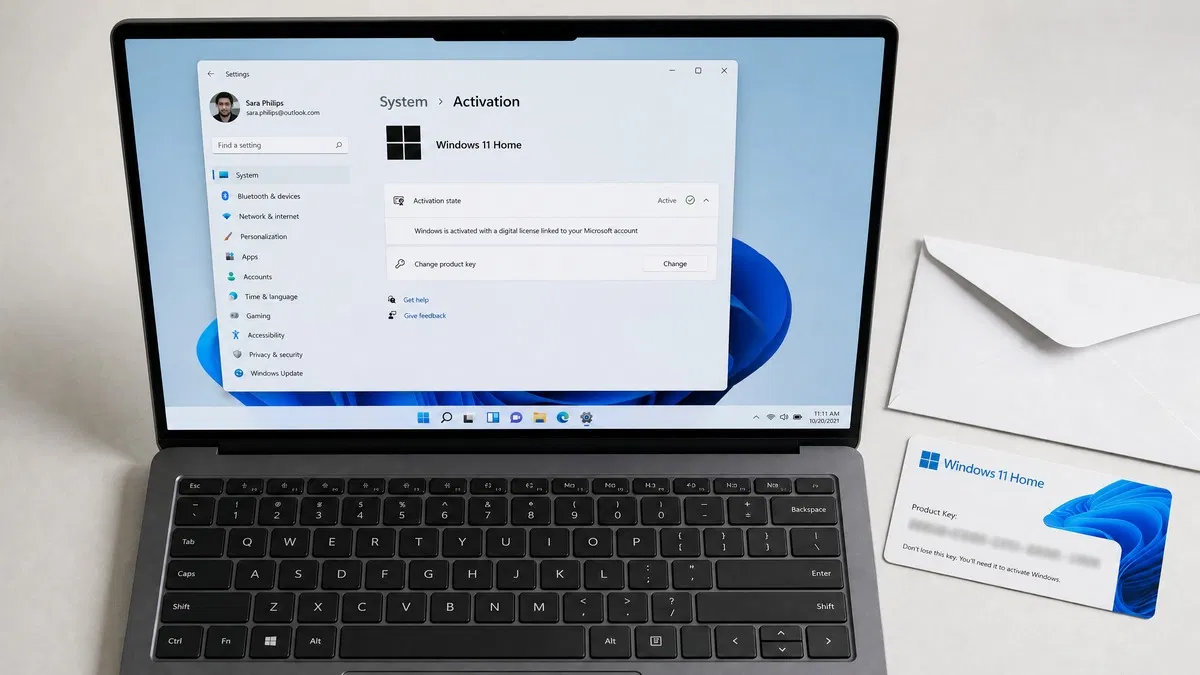
A Windows product key is a 25-character code, written as five groups of five letters and numbers, that proves you own a license for a specific edition of Windows. You enter it once during setup or under Settings, Windows sends it to Microsoft’s activation servers, and if the key is genuine and unused Windows becomes activated on that PC. So what is a Windows product key in practice? It is the credential that turns an installed copy of Windows into a licensed one.
What does a Windows product key look like?
Every Windows product key follows the same pattern: XXXXX-XXXXX-XXXXX-XXXXX-XXXXX. That is 25 characters, a mix of capital letters and digits. Microsoft leaves out the characters that are easy to misread on a sticker or in an email, so a real key never contains A, E, I, L, O, S, U, Z, 0, 1 or 5. If a key you have been given includes one of those characters, it has been mistyped somewhere along the way.
The key is specific to an edition and a channel. A Windows 11 Home key will not activate Windows 11 Pro, and an OEM key behaves differently from a retail key even though both look identical. The edition is encoded in the key, which is why setup can pick the right edition automatically when you type it in.
How does Windows activation work?
Activation is the process of pairing your key with your hardware on Microsoft’s side. Here is what happens, step by step:
- You enter the product key for Windows activation, either during setup or later at Settings > System > Activation > Change product key.
- Windows builds a hardware hash from components such as the motherboard, CPU and network adapter. The hash identifies the machine without revealing anything personal.
- Windows sends the key and the hash to Microsoft’s activation servers over the internet.
- The servers check that the key is genuine, matches the installed edition, and has not already been used on different hardware beyond what its license allows.
- If everything lines up, Microsoft records a digital license for that hardware. Settings changes to Windows is activated, and the watermark and the personalization lock disappear.
From that point on, Windows checks the digital license rather than the key. Reinstall the same edition on the same PC and it activates without asking for anything. Microsoft describes the full flow on its activation planning page, which covers consumer and business scenarios alike.
Digital license vs product key: what is the difference?
These two terms cause most of the confusion, so it helps to separate them cleanly.
| Product key | Digital license | |
|---|---|---|
| What it is | A 25-character code you type in | A record on Microsoft’s servers tying a license to your hardware |
| Where it lives | Email, retail card, firmware, or sticker | Microsoft’s activation servers, optionally linked to your Microsoft account |
| When it matters | First activation on a new PC | Every reinstall and every hardware check afterwards |
| Survives a reinstall? | Only if you saved it | Yes, automatically for the same edition |
| Survives a new motherboard? | Retail: yes, re-enter it. OEM: no | Only via the Activation troubleshooter with a linked Microsoft account |
| Can you look it up later? | Sometimes (firmware key, purchase email) | Settings shows that it exists, but there is nothing to copy |
Put simply, the key is the ticket and the digital license is the stamp that says the ticket was used. Once you have the stamp you rarely need the ticket again. Our guide to finding your Windows product key walks through every place it can be.
Difference between product key and license
A license is the legal permission to run Windows on one device under the Microsoft Software License Terms. A product key is evidence of that license, nothing more. That distinction matters in three practical ways:
- A key without a valid license activates nothing. Keys leaked from volume agreements or bought with stolen cards are blocked by Microsoft, and the PC drops back to a not-activated state with error 0xC004C003.
- A license without a visible key is still valid. Digital licenses from free upgrades and OEM firmware keys are full licenses even though you never see the code.
- The license terms decide transfer rights, not the key format. Retail licenses can move to a new PC; OEM licenses stay with the first motherboard. We cover this in detail in Windows OEM vs retail licenses.
Which types of Windows activation key exist?
All keys share the 25-character format, but Microsoft issues them through different channels with different rules.
- Retail (FPP) key. Sold to end users in a box or as a download. One PC at a time, transferable, and eligible for Microsoft support.
- OEM key. Preinstalled by PC makers or sold to system builders. Locked to the first motherboard it activates on. Support comes from the PC maker rather than Microsoft.
- Volume license key (MAK or KMS). Issued to organizations under an agreement. A MAK key has a fixed number of activations; a KMS client key activates against a company server and must renew every 180 days. Not for resale to individuals.
- Generic or default key. Public keys Microsoft publishes so you can install a chosen edition without a license. They let setup proceed but never activate anything.
- Upgrade key. Moves an activated Home installation to Pro. It requires a valid Home license already in place.
You can see which channel your own PC uses by running slmgr /dli in an admin Command Prompt; the output names the channel as RETAIL, OEM_DM or VOLUME_KMSCLIENT.
Where do you get a legitimate key?
Three routes cover nearly everyone. A new laptop or desktop already has an OEM key in its firmware. A PC you built yourself, or one whose license did not come with it, needs a retail key: Microsoft sells Windows 11 Home and Pro through its own store, and independent resellers like us sell the same editions for considerably less. Our Windows 11 Pro license key is $10.99, is delivered by email, and activates through Settings > System > Activation > Change product key. The Windows 11 Pro download and activation guide shows each screen, and Microsoft’s Activate Windows page lists the common error codes. Organizations with many PCs go through volume licensing instead.
Our take: Treat the product key as something you use once and then file away. The moment Windows activates, sign in with a Microsoft account so the digital license is linked to it. That link is what saves you when a motherboard fails or you rebuild the PC, because the Activation troubleshooter can restore activation without the key. Keep the key in a password manager anyway, and buy retail rather than OEM if you expect to upgrade hardware. Everything in our operating systems range is a genuine key with a 180-day guarantee.
Frequently asked questions
Is a Windows product key the same as a license?
Not quite. The license is the legal right to run Windows on a device under Microsoft’s terms. The product key is one way to prove that right to the activation servers. After you activate, Windows converts the key into a digital license tied to your hardware, and from then on the key is a backup rather than the thing Windows checks. Two people can hold identical keys, but only the first activation on new hardware creates a valid license; later attempts fail with error 0xC004C008.
What does a Windows activation key look like?
It is 25 characters long, arranged as five groups of five separated by hyphens, for example XXXXX-XXXXX-XXXXX-XXXXX-XXXXX. Microsoft uses letters and numbers but deliberately leaves out characters that are easy to confuse, so a real key never contains the letters A, E, I, L, O, S, U or Z, or the digits 0, 1 and 5. If a key you were sent contains one of those, something was mistyped. The key is case-insensitive when you enter it.
Can I use one product key on two computers?
Not at the same time. A single retail key licenses one PC. You can move it to a different PC after removing it from the first one, and Microsoft’s Activation troubleshooter handles the transfer if the license was linked to your Microsoft account. An OEM key is locked to the first motherboard it activates on and cannot move at all. Installing one key on several machines is a license violation and usually results in the key being blocked for everyone.
Why does Windows say it is activated even though I never entered a key?
Because the license was already there. Prebuilt PCs carry an OEM key in the UEFI firmware that setup reads silently. PCs that were upgraded from Windows 7 or 8.1 have a digital license recorded on Microsoft’s servers for that hardware. A clean install of the same edition finds that record and activates without a key. You can confirm this under Settings, System, Activation, where the status line will say Windows is activated with a digital license.
Do product keys expire?
A retail or OEM Windows key does not expire. Once activated it is permanent for that installation, and you can confirm this by running slmgr /xpr, which reports that the machine is permanently activated. Keys that do expire are volume license and KMS keys used by organizations, which must check in with a company activation server every 180 days, and trial or evaluation keys. If a seller tells you a consumer Windows key needs yearly renewal, that is not how Microsoft licensing works.
Need a genuine Windows 11 Pro key?
One key, one PC, delivered by email in minutes. Activate through Settings exactly as described above, backed by our 180-day guarantee.