Microsoft Office for Mac comes in two forms: a Microsoft 365 subscription that renews every year, or a one-time purchase such as Office 2024 or Office 2021 Home and Business for Mac, which you buy once and own. Office 2024 is the current perpetual release; Office 2021 for Mac is the previous one, runs natively on Apple silicon, and is the version we stock for buyers who want to pay once. Here are the versions, what each includes, what it costs, and how redemption at setup.office.com works.
Which versions of Microsoft Office for Mac exist right now?
Here is the current lineup of the Microsoft Office suite for Mac, from newest to oldest.
| Version | Released | Apple silicon | Support ends | How you pay |
|---|---|---|---|---|
| Microsoft 365 (Personal, Family, Business) | Continuously updated | Native | Active while you subscribe | Yearly or monthly subscription |
| Office 2024 for Mac (Home, Home and Business) | October 2024 | Native | October 9, 2029 | One-time purchase |
| Office 2021 for Mac (Home and Business) | October 2021 | Native (universal build) | October 13, 2026 | One-time purchase |
| Office 2019 for Mac | September 2018 | Runs under Rosetta 2 | Ended October 14, 2025 | One-time purchase, discontinued |
| Office 2016 for Mac | July 2015 | Runs under Rosetta 2 | Ended October 14, 2025 | One-time purchase, discontinued |
Two things stand out. Office 2021 for Mac was the first perpetual release built as a universal binary, so it runs at full speed on M1 through M4 Macs without translation. Office 2019 and 2016 are Intel-era builds; they still open through Rosetta 2, but Microsoft stopped patching them in October 2025.
What is the current version of Microsoft Office for Mac?
Office 2024 is the newest one-time-purchase release, sold as Office Home 2024 and Office Home and Business 2024. Microsoft 365 subscribers get the same apps with a rolling stream of features that the perpetual editions do not receive. Side by side on a Mac, Office 2024 and Office 2021 look nearly identical: same ribbon, same icons, same file formats. Office 2024 adds a handful of Excel functions, better meeting features in Outlook and a longer support window. Our post on Office 2024 vs Microsoft 365 compares the two purchase models in detail.
What does Office 2021 Home and Business for Mac include?
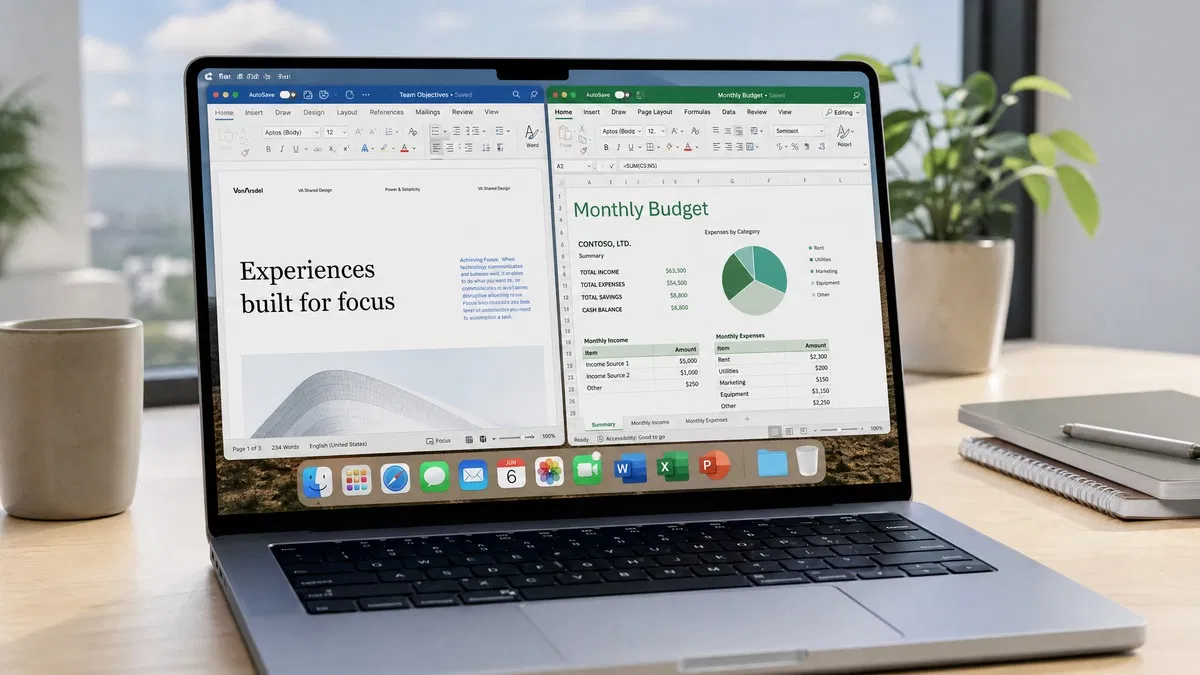
The Home and Business edition installs Word, Excel, PowerPoint and Outlook. OneNote for Mac is a free App Store download for anyone. There is no Access or Publisher on macOS in any edition; those apps have always been Windows-only.
- Word 2021: co-authoring with OneDrive or SharePoint files, Immersive Reader, a Dark Mode that extends to the page itself.
- Excel 2021: XLOOKUP, LET, dynamic arrays and the FILTER, SORT and UNIQUE functions that were missing from Excel 2019.
- PowerPoint 2021: Record Slide Show with narration, ink replay, improved Presenter Coach.
- Outlook 2021: the redesigned Outlook for Mac with support for Exchange, Microsoft 365, Gmail and IMAP accounts.
The license covers one Mac and is tied to the Microsoft account you redeem it with. When you replace the machine, sign out on the old Mac, reinstall on the new one, and sign in again.
How to buy Microsoft Office for Mac as a one time purchase
The order of operations matters, because a key redeemed to the wrong Microsoft account is a headache to move. Here is the process for an Office 2021 Home and Business for Mac key.
- Open the Apple menu, choose About This Mac, and confirm you are on one of the three most recent macOS versions. Microsoft only supports those three.
- Buy the key. Ours arrives by email within a few minutes, along with a link to the step-by-step installation guide.
- Go to setup.office.com and sign in with the Microsoft account you want to own the license. Any personal email address can be used to create one.
- Enter the 25-character product key. The page confirms the product name, “Office Home and Business 2021 for Mac”, and your country and language.
- Click Next, then Install. The site downloads a single large installer package that contains all four apps.
- Open the downloaded .pkg, follow the installer, and launch Word. When it asks you to activate, sign in with the same Microsoft account. The title bar stops reading “Unlicensed Product” and you are done.
To reinstall later, you do not enter the key again; sign in to the same account and download from your Services and subscriptions page.
What is the best price for Microsoft Office for Mac?
Microsoft’s list price for Office Home and Business 2024 is $249.99, and Office Home 2024, which drops Outlook and commercial-use rights, is $149.99. A Microsoft 365 Personal plan is $99.99 a year, so five years costs roughly $500 for one user. Against that, a one-time key for Office 2021 for Mac at $64.99 is a very different equation for anyone who needs Word, Excel, PowerPoint and Outlook and does not want the cloud storage.
The trade-off should be stated plainly. Office 2021 is in its final year of Microsoft support, with security updates ending October 13, 2026. The apps keep working and activating after that date, but they stop getting patches. If you want a perpetual license supported until 2029, Office 2024 is the version to buy, and we would rather you know that now.
Our take: Office 2021 Home and Business gives you the native Apple silicon build of Word, Excel, PowerPoint and Outlook for a single low payment, and it does everything a Microsoft 365 subscriber does short of cloud storage and Copilot. Skip Office 2019 and 2016 unless you are supporting an older Intel Mac that cannot run a current macOS.
Office 2019 and Office 2016 for Mac: when do they still make sense?
Both editions are out of support, so we do not recommend them for a new Apple silicon Mac. There is one legitimate case: an Intel Mac stuck on an older macOS such as Mojave. Current Office 2021 builds require a recent macOS that those machines cannot run, while Office 2019 Home and Business for Mac installed on Mojave-era systems and Office 2016 Home and Business for Mac goes back further still. For that machine they are inexpensive ways to get a genuine, activating Office, as long as you keep it away from sensitive accounts. Everyone else should buy 2021 or 2024. All three are on our Office for Mac category page.
Common problems after installing Office on a Mac
- “This product key has already been used.” The key was redeemed to a different Microsoft account. Sign in to that account, open Services and subscriptions, and install from there.
- Apps open but show “Unlicensed Product”. Quit all Office apps, open Word, choose Word in the menu bar, then Sign Out, then sign back in with the account that owns the license.
- “Office can’t be installed on this disk” or a macOS version error. You are below the supported macOS floor. Update macOS from System Settings, General, Software Update, or choose an older Office edition as described above.
- Outlook is missing. You bought Office Home rather than Home and Business. Home never includes Outlook on either platform.
Microsoft’s Office for Mac update history page lists current builds and supported macOS releases; it is the first place we check when a customer reports an installer error.
Frequently asked questions
Does Microsoft Office for Mac run on Apple silicon?
Yes. Office 2021 and Office 2024 for Mac are universal builds that run natively on M1, M2, M3 and M4 processors as well as on Intel Macs. Microsoft 365 apps are native too. Office 2019 and Office 2016 for Mac were compiled for Intel only, so on an Apple silicon Mac they run through Rosetta 2. They still open and work, but they are slower to launch, and both editions reached end of support in October 2025.
Can I buy Microsoft Office for Mac as a one-time purchase?
Yes. Office Home 2024, Office Home and Business 2024 and Office Home and Business 2021 for Mac are all perpetual licenses: you pay once, redeem the key at setup.office.com, and own that version for as long as you want to use it. You do not get the rolling feature updates or the 1 TB of OneDrive storage that come with a Microsoft 365 subscription, and the license is for one Mac. Security updates continue until that version reaches end of support.
What is the current version of Microsoft Office for Mac?
Office 2024 is the newest one-time purchase release, sold as Office Home 2024 and Office Home and Business 2024, with support scheduled until October 9, 2029. Microsoft 365 is the subscription alternative and always carries the latest features. Office 2021 for Mac is the previous perpetual release; it runs natively on Apple silicon and shares the same file formats and interface, and it remains supported with security updates until October 13, 2026.
Which macOS versions does Office for Mac support?
Microsoft supports Office on the three most recent major releases of macOS at any given time. When Apple ships a new version each fall, the oldest of the three drops off the list, and Office updates stop installing on it, though the apps already installed keep working. Before buying, open About This Mac and confirm your version is within that window. Older Intel Macs that cannot update may need Office 2019 or 2016 instead.
Does Office Home and Business for Mac include Outlook?
Yes. The Home and Business edition of Office 2021 and Office 2024 for Mac installs Word, Excel, PowerPoint and Outlook, and it is licensed for commercial use. The cheaper Office Home edition leaves out Outlook and is licensed for household use only. OneNote for Mac is free from the App Store for everyone. Access and Publisher have never been available on macOS in any edition, so Windows is required for those two apps.
Get Office 2021 for your Mac
One payment, four native Apple silicon apps, and a key in your inbox within minutes. The guide walks you through setup.office.com step by step.