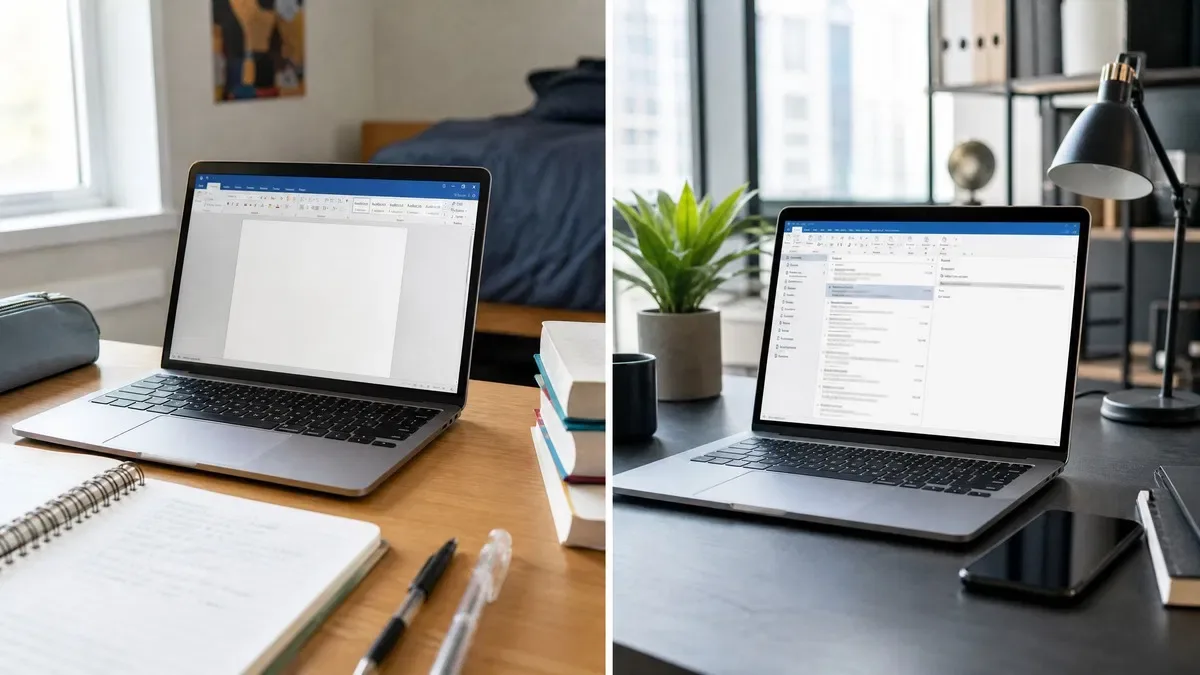
The office home vs business question has a short answer: Office Home and Student gives you Word, Excel, PowerPoint and OneNote for personal use only, while Office Home and Business adds Outlook and the right to use the suite for work. Professional Plus sits above both with Access, business use rights and a simpler key-based activation. All three are one-time purchases for a single PC (or Mac, for the first two). Pick Home and Student for a family computer, Home and Business if you need desktop Outlook or use Office for your job, and Professional Plus if you want Access or the lowest price for a full business suite.
Home and Student vs Home and Business: what is actually different
Microsoft sells each perpetual Office version in editions that differ by app list and use rights. The apps themselves are identical: Word in Home and Student is the same Word as in Professional Plus, with every feature. So the Office Home and Business vs Home decision is only about Outlook and what the license lets you do.
| Feature | Home and Student | Home and Business | Professional Plus |
|---|---|---|---|
| Word, Excel, PowerPoint, OneNote | Yes | Yes | Yes |
| Outlook | No | Yes | Yes |
| Access | No | No | Yes (Windows only) |
| Publisher | No | No | Yes through 2021; removed in 2024 |
| Business use rights | No, non-commercial only | Yes | Yes |
| Platforms | Windows or Mac | Windows or Mac | Windows only |
| Devices per license | 1 | 1 | 1 |
| Activation | setup.office.com with Microsoft account | setup.office.com with Microsoft account | File > Account, Change Product Key |
| Microsoft account required to use apps | Yes | Yes | No |
| Price at OfficeGSM | $10.99 (Office 2019) | $64.99 (Office 2021 for Mac) | $14.95 (Office 2024) |
Is Outlook included, and does it matter?
Outlook is the single feature that separates the two consumer editions. Home and Student has never included it; Home and Business always has. How much that matters depends on how you handle email today. Windows 11 comes with a free Outlook app, the web versions of Gmail and Outlook.com serve most households, and Apple Mail covers the Mac.
The desktop Outlook in Home and Business earns its place when you manage several accounts side by side, need shared calendars and meeting scheduling with colleagues, keep a large local archive in a .pst file, or want rules, categories and search folders that the free clients lack. Small business owners almost always land here.
Business use rights: the part people overlook
Home and Student is licensed for non-commercial use. Microsoft’s terms exclude using it to run a business, do freelance work for pay, or do your employer’s work from home. Home and Business and Professional Plus both carry business use rights and can be used for anything.
The software does not enforce this; Word cannot tell a school essay from an invoice. But a business that goes through a software audit, or simply wants clean licensing, should not be running Home and Student on company machines. This is why the Home and Business edition exists at all: it is Home and Student plus Outlook plus permission to earn money with it. Microsoft’s Office comparison page spells out the use rights for each current edition.
Professional Plus vs Home and Business: when to go up a tier
Professional Plus is the volume-license edition, and it changes the picture at OfficeGSM because we sell it for about the same price as the consumer editions. It includes everything in Home and Business and adds Access, the desktop database, plus Publisher in Office 2021 and earlier. Office 2024 Professional Plus dropped Publisher but kept Access.
Two further differences matter in practice. Professional Plus activates with a 25-character key in File > Account and does not require a Microsoft account to run, which suits business PCs and anyone who prefers not to sign in. And it exists only for Windows. If you use a Mac, Home and Business is the top edition available, full stop.
- Need Access for a database or an old .accdb file? Professional Plus is the only edition with it.
- Need Publisher for flyers or newsletters? Office 2021 Professional Plus or earlier; Office 2024 removed it in every edition.
- Prefer to avoid a Microsoft account tied to your Office install? Professional Plus.
- Working on a Mac? Home and Business for Mac, since Professional Plus does not exist on macOS.
Our take: on Windows, buy Office 2024 Professional Plus. At $14.95 it costs no more than a Home and Student key, includes Outlook and Access, carries business use rights, and is supported until October 9, 2029. Choose Office 2019 Home and Student only for a strictly personal machine where the lowest price wins and you accept that its security updates ended on October 14, 2025. On a Mac, Office 2021 Home and Business for Mac is the edition to get.
Office 2024 Professional Plus vs Home: the current lineup
With Office 2024 Microsoft renamed the entry edition. What was Home and Student is now called Office Home 2024, and Home and Business 2024 keeps its name. The contents did not change: Home has Word, Excel, PowerPoint and OneNote for personal use; Home and Business adds Outlook and commercial rights. Office 2024 Professional Plus vs Home therefore comes down to Outlook, Access, business use rights and the activation route. Both are supported to October 9, 2029. If you are comparing across years rather than editions, our guide to every Microsoft Office version compared lines up 2016, 2019, 2021, 2024 and Microsoft 365 with their support dates.
How to install each edition after buying a key
The consumer editions and Professional Plus take different routes, and mixing them up is the most common reason an activation fails.
- Home and Student or Home and Business (Windows or Mac): go to setup.office.com, sign in with a Microsoft account (create one if needed), enter the 25-character key, then download the installer from the Services and subscriptions page of that account. Sign in to Word once and the suite is activated.
- Professional Plus (Windows): download the installer linked in your order email, run it, open Word and go to File > Account > Change Product Key, enter the key and confirm that the page reads “Product Activated”. No Microsoft account is needed. Our Office 2024 Professional Plus guide shows each screen.
- Either edition: uninstall any trial or older Office first through Settings > Apps (Windows) or by dragging the apps to the Trash (Mac), and restart before installing.
Every edition and version we carry is listed on the Microsoft Office category page, with the platform and included apps stated on each product.
Frequently asked questions
What is the difference between Home and Student and Home and Business?
Two things. Home and Business includes Outlook, the desktop email and calendar app, while Home and Student does not. And Home and Business is licensed for commercial use, so you can legally use it to run a business, invoice clients or do your employer’s work at home. Home and Student is licensed for non-commercial use only. Both include Word, Excel, PowerPoint and OneNote, both are one-time purchases for a single PC or Mac, and both are redeemed through a Microsoft account at setup.office.com. Neither includes Access or Publisher.
Is Outlook included in Office Home and Student?
No. Outlook has never been part of Home and Student in any version, from 2016 through 2024. If you want a desktop email client with the suite, you need Home and Business or Professional Plus. Many home users do not miss it: Windows 11 ships with a free Outlook app, Gmail and Outlook.com work in a browser, and Apple Mail covers macOS. If you manage several accounts, shared calendars or a large local archive, the full Outlook in Home and Business is a clear step up.
Can I use Office Home and Student for work?
The license terms say no. Home and Student is for non-commercial use, which Microsoft interprets as excluding paid work, running a business, or work done for an employer. In practice the software does not check what you type, but a business that is audited or that wants to stay on the right side of the terms should buy Home and Business or Professional Plus, both of which carry business use rights. At OfficeGSM the Professional Plus key is often the same price as Home and Student, which makes the question easy.
What does Professional Plus add over Home and Business?
Access, the desktop database, and in Office 2021 and earlier, Publisher, the page layout app. Professional Plus is the volume-license edition, so it activates in File > Account with a 25-character key rather than through a Microsoft account at setup.office.com, and it does not require you to sign in to use the apps. It includes everything in Home and Business, so Outlook and business use rights are covered. Office 2024 Professional Plus has Access but not Publisher. There is no Professional Plus for Mac.
Is Home and Business for Mac the same as the Windows version?
The app lineup is the same: Word, Excel, PowerPoint, OneNote and Outlook, with business use rights. The Mac versions are built for macOS and support Apple silicon natively. There is no Access or Publisher on Mac in any edition, so Home and Business is the top consumer edition for macOS. Activation follows the consumer route: redeem the key at setup.office.com, sign in with a Microsoft account, then download the installer from account.microsoft.com and sign in to the apps. Our Office 2021 Home and Business for Mac key follows exactly that process.
Skip the edition puzzle
Office 2024 Professional Plus includes Outlook and Access, carries business use rights and costs no more than the student edition. One PC, one key, supported until October 2029.