The short answer on office 2024 vs office 365: Office 2024 is a one-time purchase that you own forever and that receives security updates until October 9, 2029, while Microsoft 365 (the current name for Office 365) is a subscription that adds cloud storage, Copilot and continuous feature updates for as long as you keep paying. If you need Word, Excel, PowerPoint and Outlook on one or two PCs and do not care about AI features, Office 2024 costs a fraction of three years of subscription fees. If you want 1 TB of OneDrive per person, Copilot and installs on many devices, Microsoft 365 is the better fit.
What is the difference between Microsoft 365 and Office?
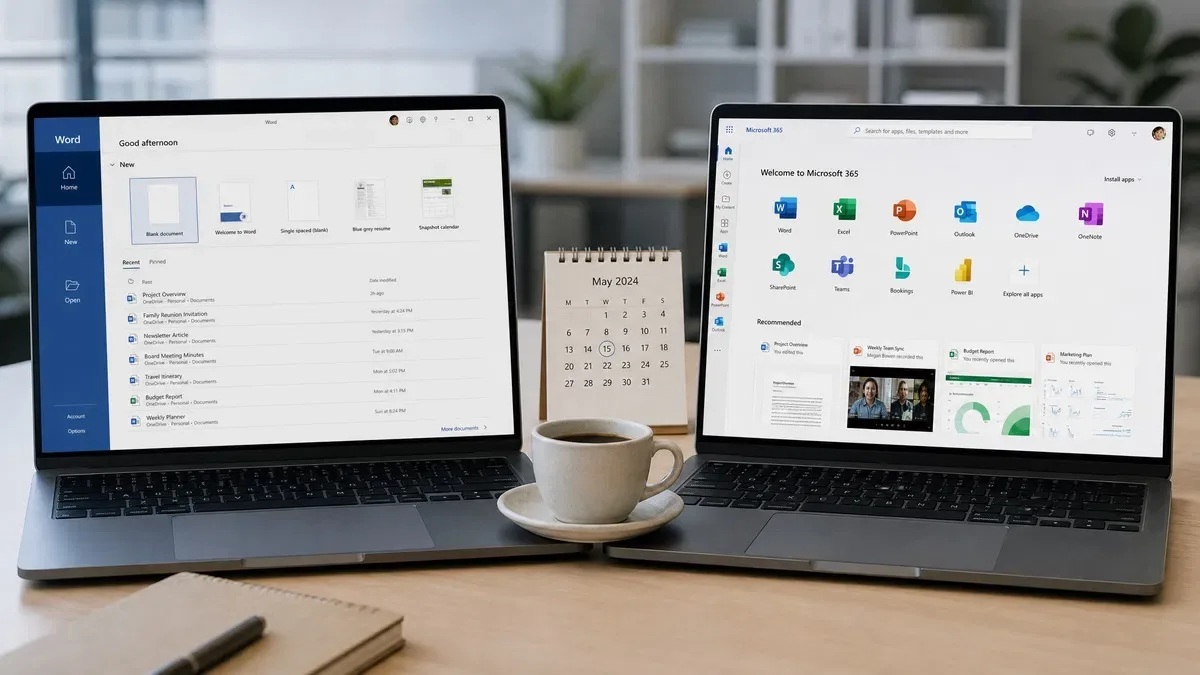
Microsoft sells the same desktop apps under two licensing models, and the naming does not help. “Microsoft Office” is the perpetual license: you buy a version (Office 2019, 2021, 2024), install it and it never expires. “Microsoft 365” was called Office 365 until April 2020. It is a subscription; when payment stops the apps drop into a read-only mode where you can open and print files but not edit them.
Word 2024 and Word from Microsoft 365 share the same code base. The subscription keeps moving forward with new functions, menus and AI features every month. Office 2024 is a frozen snapshot of that code taken in late 2024, with only security fixes afterward. When people ask about microsoft 365 vs office, that is the real distinction: a moving target versus a fixed one. Searches for office 365 vs office 2024 and office 2024 vs 365 are asking the same question from the other side.
Microsoft Office 2024 vs Office 365 at a glance
| Feature | Office 2024 Professional Plus | Microsoft 365 Personal / Family |
|---|---|---|
| Payment | One-time purchase, perpetual license | Monthly or annual subscription |
| Apps | Word, Excel, PowerPoint, Outlook, OneNote, Access | Word, Excel, PowerPoint, Outlook, OneNote, plus Teams, Defender, Clipchamp and web apps |
| Publisher | Not included (removed in 2024) | Discontinued in 2026 |
| Devices | 1 PC per key | Personal: 5 devices signed in at once; Family: up to 6 people |
| OneDrive storage | 5 GB free tier only | 1 TB per person |
| Copilot | Not available | Included with monthly AI credits |
| Feature updates | None; security fixes only | Monthly new features |
| Support ends | October 9, 2029 | Ongoing while subscribed |
| Price at OfficeGSM | $14.95 one time | Microsoft’s current subscription price, billed yearly |
How much is Office 2024, and what does it cost over three years?
Microsoft’s store lists Office Home 2024 and Office Home and Business 2024 at fixed retail prices, and Microsoft 365 at a yearly fee that has risen more than once since 2020. We sell a genuine Office 2024 Professional Plus license key for $14.95, activated in File > Account with the installer linked in your order email. The Office LTSC 2024 Standard key is a similar price if you do not need Access.
| Cost over 36 months | Office 2024 Professional Plus (OfficeGSM) | Microsoft 365 Personal | Microsoft 365 Family |
|---|---|---|---|
| Year 1 | $14.95 | Microsoft’s current subscription price | Microsoft’s current Family price |
| Year 2 | $0 | Same again (or more, if the price rises) | Same again |
| Year 3 | $0 | Same again | Same again |
| Three-year total | $14.95 | Three annual payments | Three annual payments |
| After year 3 | Still licensed, supported to Oct 9, 2029 | Stops working in full if you cancel | Stops working in full if you cancel |
We left Microsoft’s figure as a description rather than a number because it changes and differs by country. Check the current price on Microsoft’s plan comparison page and multiply by three. Whatever it comes to, a $14.95 perpetual license is a small fraction of it.
One-time purchase vs subscription: what you actually give up
Buying Office 2024 outright means accepting three things. No Copilot: the AI features in Word, Excel and PowerPoint require a Microsoft 365 subscription. No bundled OneDrive storage beyond the free 5 GB. And no new features: Excel 2024 ships with dynamic arrays, XLOOKUP, LET, LAMBDA and TEXTSPLIT, but anything Microsoft adds in 2027 will not appear.
What you keep is control. Menus do not rearrange themselves overnight, the software works offline indefinitely, and the license lives on the machine rather than in a billing portal. Subscribers pay every year, but they get new Excel functions weeks after release, five devices per person and a terabyte of OneDrive that doubles as a backup.
Who should buy Office 2024?
- Anyone using Word, Excel and Outlook on one or two Windows PCs for several years.
- Small businesses that prefer to expense software once per seat.
- Users who need Access, which is included in Office 2024 Professional Plus but not in the Standard LTSC edition.
- Offline or air-gapped machines where a 30-day subscription check-in is a problem.
- Anyone upgrading from Office 2016 or 2019, both out of support since October 14, 2025. Our comparison of every Microsoft Office version shows exactly what changed.
Who should pick Microsoft 365 instead?
- Households with several people and many devices, where Family’s six-person allowance spreads the cost.
- Anyone who wants Copilot inside the desktop apps.
- People who rely on 1 TB of OneDrive storage and syncing across a PC, a Mac, a tablet and a phone.
- Teams that co-edit the same document in real time, which is smoother in Microsoft 365.
Our take: for most of our customers the perpetual license wins. A $14.95 Office 2024 Professional Plus key covers the next several years of Word, Excel, PowerPoint, Outlook and Access on one PC, with Microsoft security updates until October 9, 2029. Start there; if you later want Copilot or a terabyte of cloud storage, Microsoft 365 will still be waiting.
How to install and activate Office 2024 after buying a key
- Uninstall any trial or older Office version through Settings > Apps and restart.
- Open the order email from OfficeGSM and download the official Office 2024 Professional Plus installer linked there. Our Office 2024 Professional Plus download and activation guide walks through every screen.
- Run the installer and wait for the “You’re all set” message.
- Open Word, go to File > Account, click Change Product Key and enter the 25-character key from your email.
- Confirm that the Account page shows “Product Activated” under Microsoft Office LTSC Professional Plus 2024.
If you are weighing Office 2024 against the previous perpetual release instead, our Office 2021 vs Office 2024 comparison covers the feature differences and the support dates (October 13, 2026 for 2021, October 9, 2029 for 2024). Microsoft’s own Office LTSC 2024 overview lists the full app lineup and system requirements.
Frequently asked questions
Is Microsoft 365 the same as Microsoft Office?
No, although the apps overlap. Microsoft Office is the name for the desktop suite sold as a one-time purchase, with versions such as Office 2021 and Office 2024. Microsoft 365 is the subscription that gives you the same core apps (Word, Excel, PowerPoint, Outlook) plus cloud services such as 1 TB of OneDrive storage per user, Copilot features and continuous updates. Microsoft renamed Office 365 to Microsoft 365 in 2020. Both are genuine Microsoft products; they differ in how you pay and what you get.
How much is Office 2024 as a one-time purchase?
Microsoft sells Office Home 2024 and Office Home and Business 2024 through its own store at list prices, and Office LTSC Professional Plus 2024 through volume licensing. At OfficeGSM a genuine Office 2024 Professional Plus license key for one PC is currently $14.95, delivered by email. You pay once, install it, activate it in File > Account and it works for the life of the PC. There is no renewal and no monthly fee.
Can I use Office 2024 on more than one computer?
A retail Office 2024 key from Microsoft is licensed for one PC or one Mac. Our Office 2024 Professional Plus key follows the same rule: one key activates one Windows PC. If you have two computers you need two keys. Microsoft 365 Personal allows sign-in on up to five devices at once for a single person, and Microsoft 365 Family covers up to six people. For a household with many devices the math can favor Microsoft 365; for one or two PCs the perpetual license is far cheaper.
Does Office 2024 include Copilot or OneDrive storage?
Office 2024 does not include Copilot or extra OneDrive storage. You can still sign in with a free Microsoft account, use the 5 GB of OneDrive that everyone gets, and save files to OneDrive from Word or Excel 2024 without any problem. Copilot in the desktop apps requires a Microsoft 365 Personal, Family or business subscription. If AI drafting inside Word matters to you, that is the strongest reason to pick Microsoft 365.
Can I switch from Microsoft 365 to Office 2024 later?
Yes. Your documents are ordinary .docx, .xlsx and .pptx files and open in either product. Install Office 2024, activate it, and let the subscription lapse. Files in OneDrive stay accessible in read-only form if you exceed the free 5 GB, so download anything large first. The reverse is just as easy. Nothing about either choice is permanent, which is why we tell customers to start with the cheaper perpetual license and upgrade only if they miss something.
Own Office 2024 outright
One key, one PC, genuine Microsoft activation in File > Account, supported until October 2029. No subscription, no renewal.